1. The 42-Build Journey: Zero Apple Hardware to App Store Approval
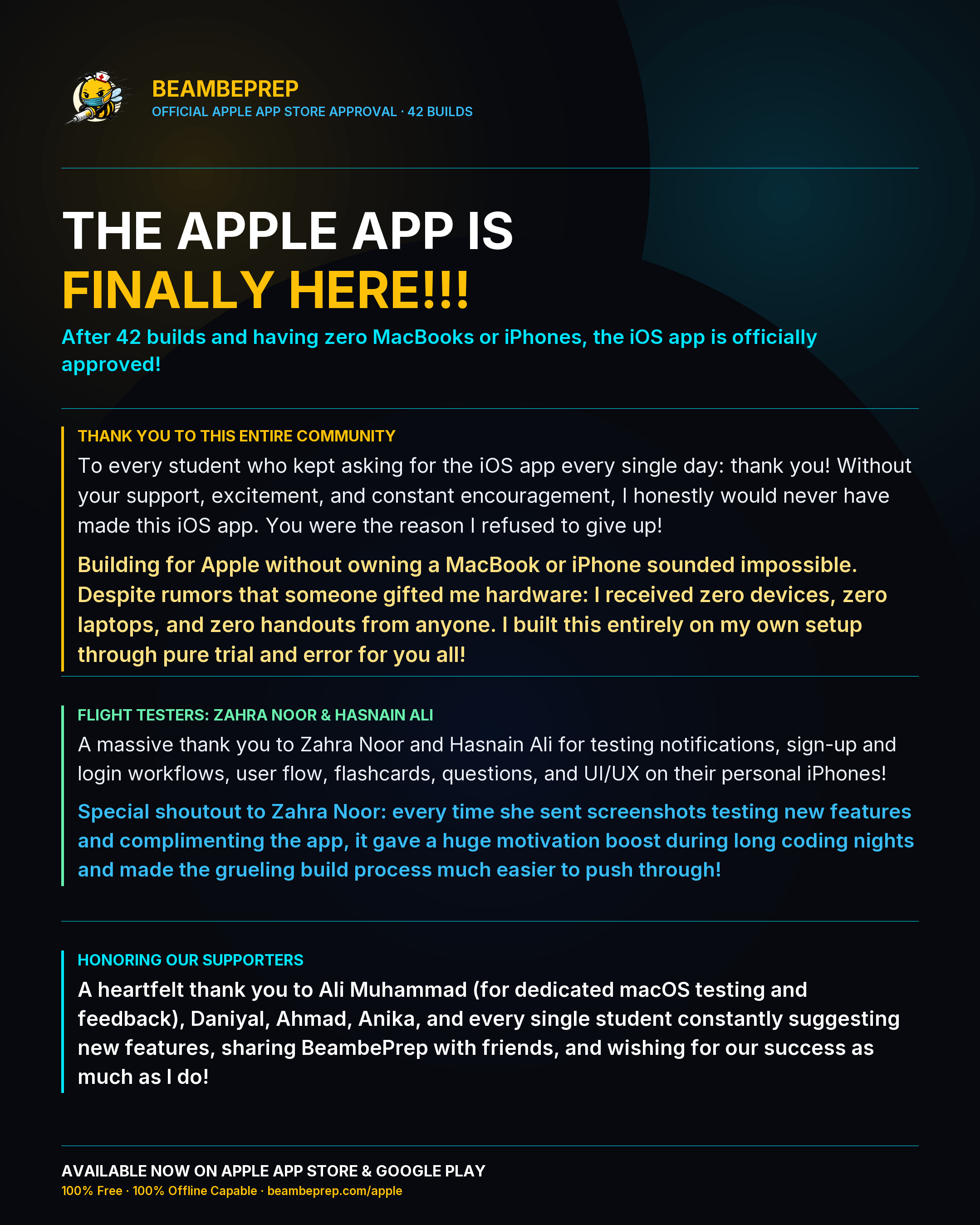
When I started architecting the native iOS client for BeambePrep, I faced an immediate physical obstacle: I did not own a MacBook, an iPhone, or an iPad. Every single line of code, every interface refinement, and every automated compilation was orchestrated through cross-platform command-line tools, remote headless build runners, and automated cloud pipelines.
Achieving official approval on the Apple App Store is notoriously demanding. It required 42 iterative test builds, meticulous compliance with Apple design and security specifications, native in-app account creation, and zero-compromise offline data handling. Receiving the official approval notification and seeing BeambePrep go live worldwide on App Store Connect validated every late night spent debugging remote build logs and perfecting layout responsiveness.
2. Fulfilling the 86-Vote Community Mandate
This release is not just an engineering milestone for me. It is the direct fulfillment of a promise I made to our student community. When I opened the feature poll across our platforms, 86 medical aspirants cast their votes demanding a dedicated iOS application.
As a fellow student, I know how frustrating it is when essential study tools are unavailable on your everyday device or require continuous internet connectivity to function. I promised to deliver the iOS client before the peak of the entrance exam cycle, and I am glad to share that it is officially live in your hands.
3. Engineering the Offline Fortress on iPhone and iPad
The iOS app brings the complete BeambePrep active recall engine to Apple devices with zero compromises on performance or privacy:
100% Offline Local Engine
Download decks and QBank chapters once over Wi-Fi. Complete your entire review session on the commute, in hospital wards, or in airplane mode without loading spinners.
FSRS Spaced Repetition
Personalized memory stability and retrievability mathematics calculate the exact moment before recall decays, cutting daily reviews while securing 90%+ exam retention.
Tactile Swipe Grading
Fluid gesture interactions calibrated with native haptics allow rapid review velocity with instant feedback across all iPhone and iPad models.
Propolis Error Diagnostics
Every incorrect option features a verified cognitive autopsy breaking down why distractors look tempting and how to avoid high-frequency PMDC traps.
4. Deep Appreciation to our Testers and Community Pillars
A high-velocity mobile app cannot reach the App Store without dedicated peer validation. I want to extend my heartfelt thanks to the key individuals who made this release possible:
Zahra was the first student to install our iOS TestFlight build. Her relentless testing, acute UI feedback, and detailed bug hunting across multiple build revisions directly refined the mobile experience before public release.
Hasnain rigorously verified the application on larger iPad screens, ensuring layout symmetry, navigation ergonomics, and seamless reading comfort for tablet study sessions.
Special shoutout to Ali Muhammad for dedicated testing on the macOS desktop app, validating system stability and ensuring our desktop ecosystem remains rock solid.
To Daniyal, Ahmad, Anika, and every fellow bee who shared BeambePrep with friends, recommended it in study groups, and believed in this project throughout their preparation: thank you. This ecosystem exists because of your trust and daily dedication. Together as students, we conquer the curve.
5. How to Install and Get Started
The BeambePrep iOS app is available immediately on the Apple App Store worldwide. It supports iPhone and iPad devices running iOS 15.0 or later.
Download BeambePrep on the App Store
100% offline study. 38,400+ flashcards, 12,100+ MCQs, and 30 authentic solved past papers with zero cost for the 2026 and 2027 academic seasons.
Frequently Asked Questions
Q: Where can I download the official BeambePrep iOS app?
You can download the app directly from the Apple App Store by searching for "BeambePrep" or visiting the direct link at apps.apple.com/pk/app/beambeprep/id6808500914.
Q: Does the iOS app work completely offline?
Yes. The app is engineered with a 100% offline local storage engine. You can download all your study decks and QBank chapters over Wi-Fi, practice in airplane mode without internet connectivity, and automatically sync your progress back to the cloud once reconnected.
Q: Is the BeambePrep iOS app free to use?
Yes. Complete access across all 38,400+ flashcards, 12,100+ QBank questions, and 30 authentic solved full-length past papers is completely free throughout the 2026 and 2027 academic seasons.
Q: Can I use the same account across iPhone, Android, and Desktop?
Yes. Your study account seamlessly synchronizes across iOS, Android, Windows, macOS, and Web. Your review history, retention metrics, and leaderboard positions remain synchronized across all your devices.